First Used Excavator: Deposit and Inspection Process
The riskiest moment in a first used-excavator purchase is not the price negotiation. It is the gap between deposit and balance, when the buyer has paid but not confirmed the machine. A used excavator deposit process should make that gap short and visible.
I would use this sequence for a first purchase, using a 2014 Komatsu PC200-8 at $25,000 FOB as the example. If you are about to buy used excavator from China, the order below is safer than starting from the price.
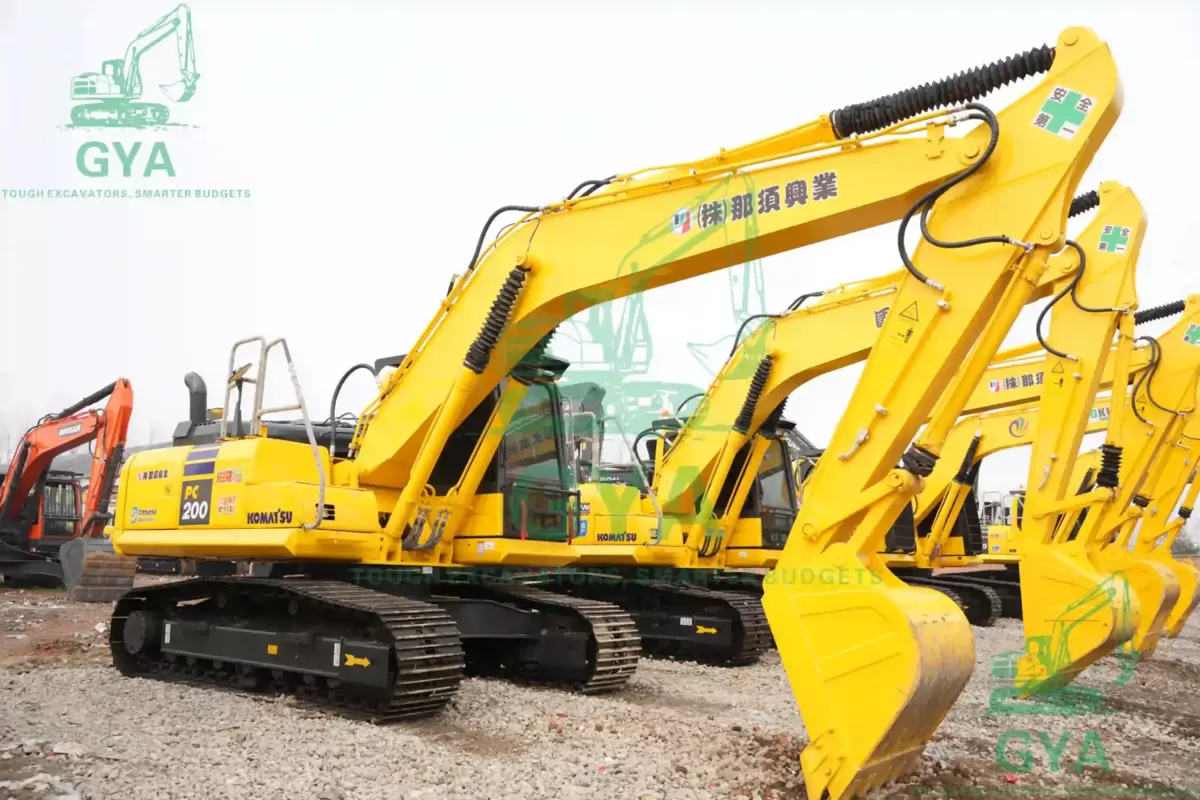
1. Confirm the exact unit in writing
The proforma invoice should name the stock number, year, hours, condition grade (if any), price, Incoterm and destination. It should also list the attachments and the documents included. A generic “PC200-8” is not enough.
2. Ask for the evidence before the deposit
- Cold-start video.
- Full hydraulic cycle, including travel and swing.
- Undercarriage photos and measurements if available.
- Pins, bushes and boom welds.
- Serial plate and hour-meter photo.
- Any service records or repair invoices.
Review the evidence against the stock number. If the plate or meter is missing from the video, ask again.
3. Decide what the deposit buys
A deposit should reserve the specific unit and trigger excavator inspection before payment. It should not be the full price. Ask what happens if inspection turns up an undisclosed defect: is the deposit refundable, or can you switch units?
Put that answer, and the used excavator payment terms, in the proforma or a separate written confirmation. A verbal promise is not a term.
4. Inspect before the balance
If you cannot travel, appoint a third-party inspector. The inspector should report against the stock number and photograph the undercarriage, structure, hydraulics and hour meter. A generic report is not enough.
If the report finds a defect, renegotiate or walk away according to the terms you agreed. Do not pay the balance while the issue is unresolved.
5. Pay the balance against documents
The balance should follow the documents and the loading evidence. Ask for the commercial invoice, packing list, bill of lading and certificate of origin. If the terms include a loading video or photos, confirm they were provided.
Use a bank transfer to the company account in the contract. Be cautious with a personal account or a different company without a written explanation.
6. Confirm the loading and the documents
Before the vessel sails, confirm the loading method, the port and the documents. Check that the machine on the trailer or in the container matches the stock number, and review the bill of lading draft and consignee details.
Red flags
- The seller refuses a video of the actual unit.
- The proforma does not name the stock number.
- The bank account does not match the company.
- The price is far below the market and the seller pressures you to pay quickly.
- The inspection is “not allowed” or is replaced by a promise.
The payment evidence chain
Most first-time buyers lose control at the wire, not at the machine. Build the trail as you go, so every payment matches one unit and one contract.
- The beneficiary on the proforma should be the entity that signs the contract and issues the invoice. If not, ask why in writing before you send anything.
- Put the stock number and invoice number in the transfer reference; that is often the only place the link survives.
- Ask for a receipt showing value date, amount, currency and the unit it covers — not a chat message saying "received".
- Keep the wire confirmation, invoice, receipt and contract in one file. If a dispute starts later, that set is your case.
Confirm the account through a channel you already had, never the one that asked you to pay. New bank details by email are the classic fraud opening.
What each document should prove
| Document | What it should prove | What to check |
|---|---|---|
| Proforma invoice | Which unit, at what price, on what terms | Stock number, year, hours, Incoterm, port |
| Deposit receipt | That money arrived and what it reserves | Amount, date, unit, refund condition |
| Inspection report | Condition of that unit, not the model | Photo dates, serial plate, measurements |
| Bill of lading | What shipped and to whom | Consignee, quantity, marks |
The used excavator deposit process, in three written answers
A deposit should follow three answers already in writing, not one good conversation.
- Can you name the unit — stock number, year, hours, price, terms — in one sentence?
- Have you seen a cold start and a full working cycle of that same unit?
- Do you know in writing what happens to the deposit if the inspection finds an undisclosed defect?
Three yes answers make it an ordinary commercial step. Any no means you are not buying a machine yet, only an option on a conversation. One more day costs nothing; recovering money from a seller who will not put terms in writing costs a great deal.
Questions buyers ask
How much deposit is normal?
It varies by seller and order. What matters is what the deposit reserves and whether it is refundable if the inspection fails.
Can I use an escrow?
Some buyers do. Ask the seller whether they accept it; if not, use a clear contract and pay the balance against the documents.
Who appoints the inspector?
Appoint your own, or ask the seller to arrange a third party. The inspector should report to you, not only to the seller.
Make the payment follow the evidence.
Ask for the proforma invoice, the stock number and the inspection evidence before you send a deposit.
See the example unit · How inspection works · Ask about used excavator payment terms